Interactive Terminal Sessions on Compute Nodes
Run a Shell♯
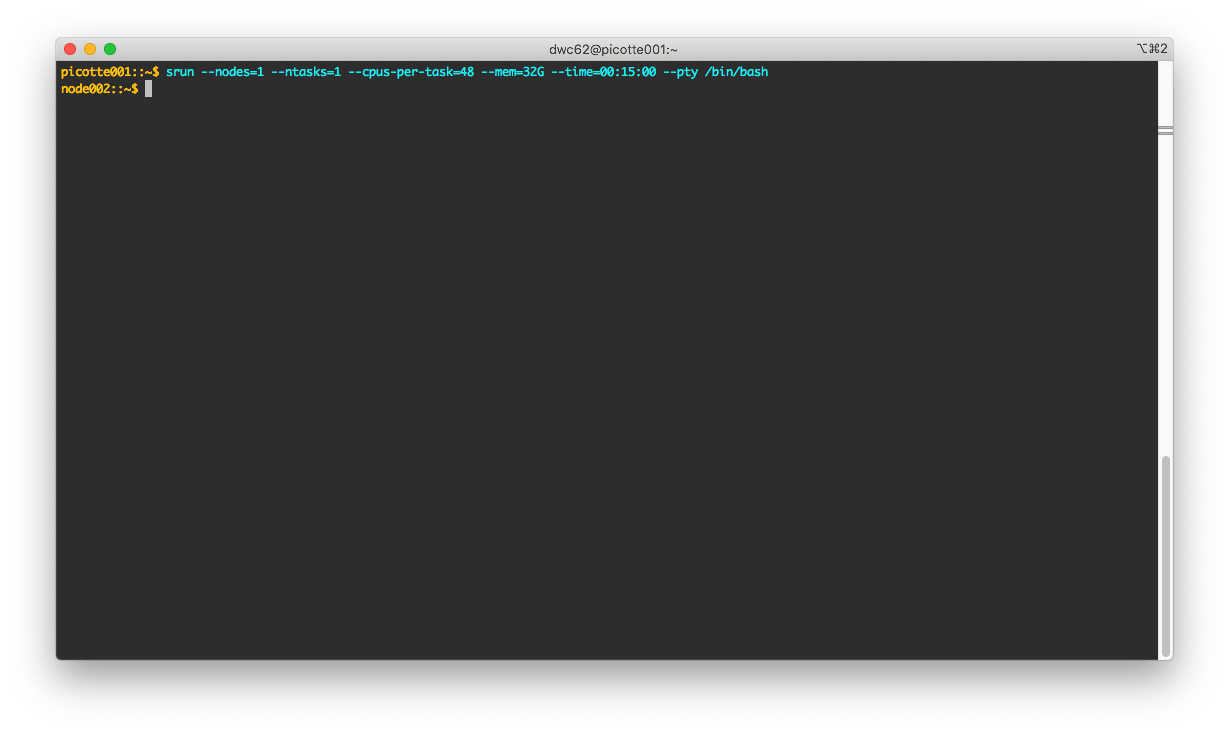
Use srun to request an interactive shell:
[juser@picotte001 ~]$ srun --nodes=1 --cpus-per-task=48 --mem=32G --time=00:15:00 --pty /bin/bash -l
[juser@node002 ~]$
Temporary Directory♯
When requesting more than one task, i.e. --ntasks-per-node=N where N
> 1, the TMP directory is not automatically created by srun. Check by
doing:
[juser@node002 ~]$ ls -ld $TMP
/bin/ls: cannot access '/local/scratch/12345': No such file or directory
In that case, create the directory:
[juser@node002 ~]$ mkdir $TMP
[juser@node002 ~]$ ls -ld $TMP
drwxrwxr-x 2 juser juser 6 Mar 22 17:21 /local/scratch/12345
A better solution is to request only one task (or just omit the specification since the default is 1), and specify only "--cpus-per-task".
Run a Terminal-based Application♯
For browser-based interactive MATLAB or JupyterLab sessions, see the Open OnDemand guide. The SLURM commands below remain useful for terminal applications and custom workflows.
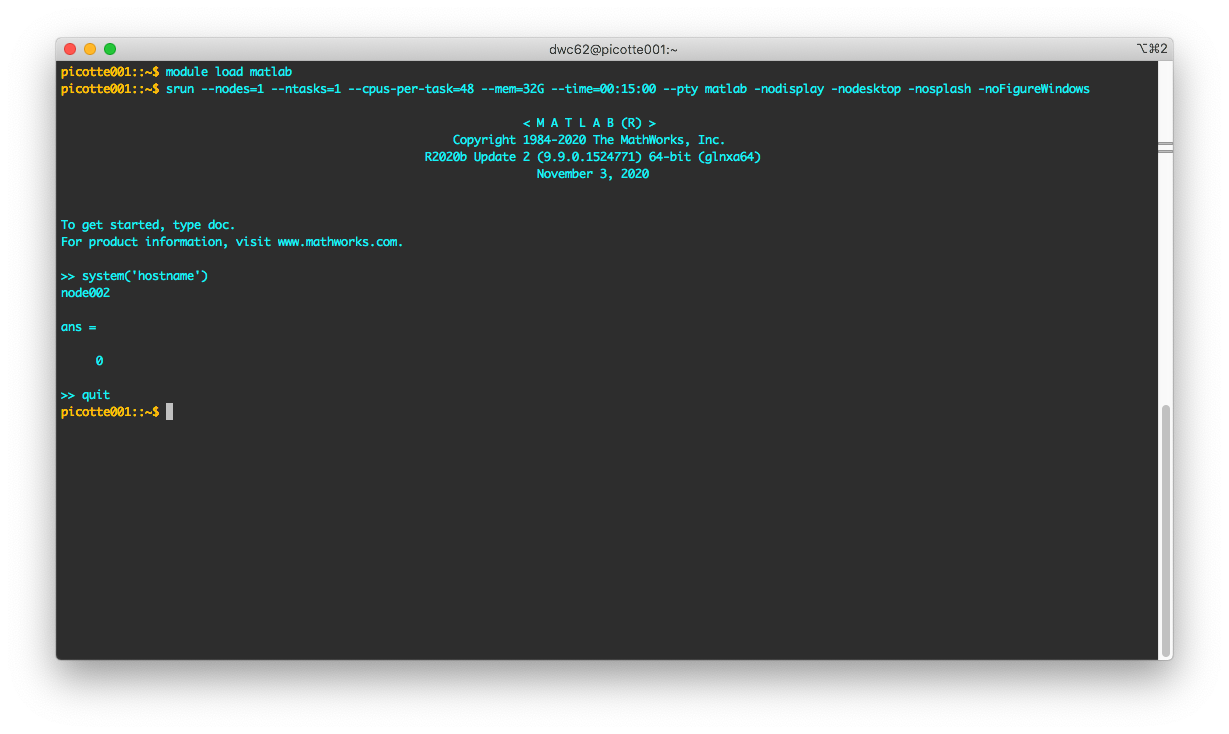
We will use Matlab as an example. The same applies
to any application with a terminal interface, e.g.
Stata, R, IPython, etc. Note that
this runs on node002 (assigned at run time by Slurm):
[juser@picotte001 ~]$ module load matlab/R2020b
[juser@picotte001 ~]$ srun --nodes=1 --ntasks=1 --cpus-per-task=48 --mem=32G --time=00:15:00 --pty matlab -nodisplay -nodesktop -nosplash -noFigureWindows